By Stephen Ahenda, Founder of BicoTravels · Last reviewed October 2026 · How we write our guides
A growing number of remote workers are trading co-working cafes in Lisbon and Bali for Africa’s own rising digital nomad scene – lower costs, strong community and, in several cities, genuinely fast internet.
Cape Town, South Africa
Reliable fibre internet, a large expat and remote-work community, and a wide choice of co-working spaces make Cape Town Africa’s most established nomad base. Time zone overlaps well with Europe.
Nairobi, Kenya
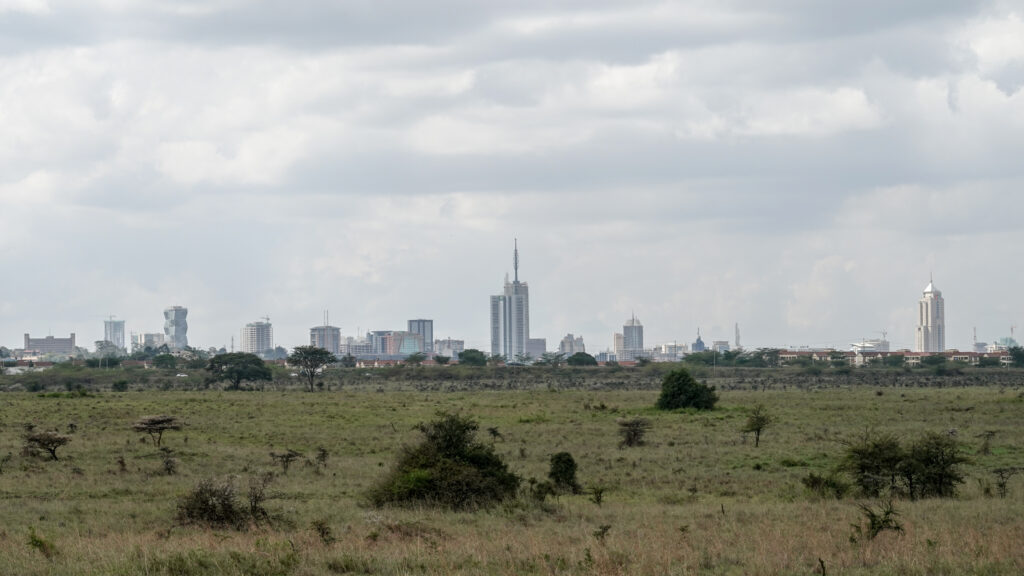
Kenya’s tech scene has earned Nairobi the nickname “Silicon Savannah” – fast mobile data, an active startup community, and easy weekend access to safari destinations.
Kigali, Rwanda
Clean, safe and increasingly nomad-friendly, with government-backed pushes toward digital infrastructure and a notably low crime rate for a capital city.
Accra, Ghana
English-speaking, relatively affordable, and well connected by direct flights to Europe and North America – popular with the diaspora remote-work community in particular.
Before you go
Check whether your destination offers a specific digital nomad visa or whether a standard tourist entry covers remote work for short stays – rules vary and change often. Set up a regional eSIM as backup connectivity alongside home or co-working wifi, and make sure your travel insurance covers an extended stay, not just a short holiday.
How to choose your base
Look beyond the city’s reputation and compare the practical basics: internet reliability, power backup, safety, access to healthcare, how long you can legally stay, the size of the remote-work community, flight connections and cost. A city that suits a writer may not suit a developer who spends the day on video calls.
Visas and work rules
A standard tourist visa or entry permit is generally not a work permit, and the rules for remote work differ from country to country. Some countries have introduced remote-work or digital nomad visa schemes, but they change often. Check the official immigration website for each destination and keep your documents, such as proof of employment and income, ready.
Internet and power backup
Treat connectivity as something you have to plan, not assume. Work from places with proven fibre, carry a mobile hotspot or a second eSIM as a backup, and keep a power bank. Ask about generators or inverters when you book an apartment or co-working space, since brief power cuts can happen in some areas.
Banking, payments and tax
Mobile money and card payments are widely used in many African cities, but it helps to carry some cash for smaller vendors. Keep records of your income and days spent in each country. Many countries use the number of days you spend there as part of deciding tax residency, so speak to a qualified tax adviser if you plan a long stay.
Health and insurance
Ordinary tourist travel insurance may not cover a long stay or remote work. Look for a policy designed for long-term travelers, check that it includes medical evacuation, and carry a copy of your policy details. Our travel insurance page lets you compare options.
Your first-month checklist
- Book a short first stay before committing to a long lease.
- Test internet speed at your accommodation and your co-working space.
- Set up a local eSIM and a backup power source.
- Register with your embassy if it offers this, and save emergency numbers.
- Join local remote-work groups to learn how others handle visas, banking and housing.
FAQ
Is the cost of living genuinely lower? Generally yes compared to Western Europe or North America, though Cape Town and Kigali have risen in recent years – budget city by city rather than assuming Africa-wide pricing.
What internet speed can I expect? Fibre in co-working spaces in Cape Town, Nairobi and Kigali is generally solid; always test with a mobile hotspot as backup for video calls.
Should I rent long-term from the start? It is usually safer to book a short stay first, test the internet and neighbourhood, and then look for a longer rental on the ground.
Is it safe to work from cafes? Often, but avoid using banking apps on public wifi, keep your laptop with you, and use a VPN or your own mobile hotspot for sensitive work.
Related
- Africa Travel Guide — plan the rest of your trip
- Travel Tech for Africa — what to set up before you fly
- Compare eSIMs — stay connected while you work remotely
Leave a Reply